



How to Plan a YouTube Video
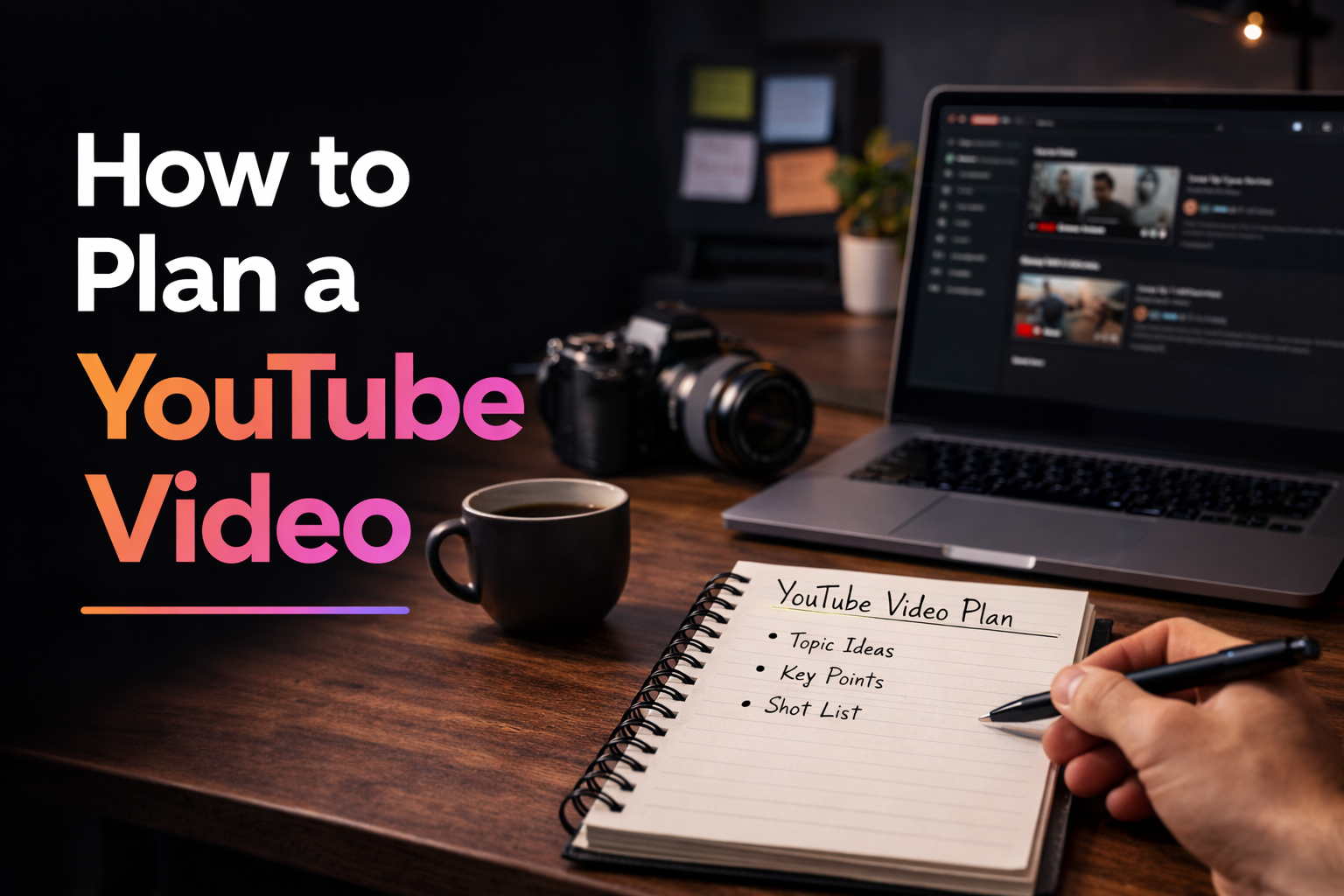
Planning a YouTube video properly makes the whole creation process easier. It helps you clarify the idea, structure the content, prepare the shoot and avoid wasting time during editing.
Many creators start recording too early. They have a topic in mind, but no real plan. That often leads to weak structure, missing shots and videos that take too long to finish.
In this guide, you will learn how to plan a YouTube video step by step so production feels clearer, faster and more consistent.
Summary
- Choose the right topic before production starts
- Define the goal of the video clearly
- Build a simple structure before filming
- Prepare the visuals, shots and resources
- Make filming and editing easier with better planning
Why planning a YouTube video matters
A YouTube video is easier to produce when the plan is clear from the beginning. Instead of improvising each section while recording, you already know what the video is about, how it should flow and what the viewer should get from it.
Planning reduces friction across the entire workflow. It helps with scripting, filming, editing and publishing because the project already has structure before production begins.
- You avoid vague or unfocused videos
- You reduce unnecessary retakes
- You make editing faster and more logical
- You improve consistency across your channel
Step 1: Choose a clear video topic
Good planning starts with a clear idea. The topic should be specific enough to guide the structure of the video, but broad enough to interest your audience.
A weak topic often creates a weak video. If the idea is too vague, the content becomes difficult to organize and the final result may feel scattered.
A strong topic usually answers one simple question: what is this video really helping the viewer do, learn or understand?
Before moving to the next step, try to describe your video in one clear sentence.
Step 2: Define the goal of the video
Every YouTube video should have a purpose. Some videos are made to teach, others to entertain, explain, review or inspire. When the goal is clear, the structure becomes much easier to build.
This also helps you decide what information matters and what should be removed. Without a goal, creators often include too much and lose clarity.
- Do you want to teach something?
- Do you want to answer a common question?
- Do you want to share a process or experience?
- Do you want to convince the viewer of something?
Step 3: Understand the viewer’s expectation
Planning works better when you think from the viewer’s perspective. Why would someone click this video? What are they expecting to get from it? What would make them leave early?
When you understand viewer intent, you can shape the video around what matters most. This improves clarity, retention and overall usefulness.
A strong plan is not only based on what you want to say. It is based on what the viewer needs to receive.
Step 4: Build a simple video structure
Once the topic and goal are clear, the next step is building the structure. This does not need to be complex. Most YouTube videos work better when they follow a simple progression.
- Hook or opening
- Context or problem
- Main points or steps
- Conclusion or takeaway
- Call to action if needed
This structure gives you a production map. You know what needs to be recorded and in what order the viewer will experience it.
“The clearer the structure before filming, the easier the entire video becomes to produce.”
Step 5: Prepare a script or talking points
Not every YouTube video needs a full script, but every video benefits from preparation. For some formats, a detailed script is useful. For others, bullet points are enough.
The key is to avoid starting production with no structure at all. Even a basic list of sections and key points can make recording much more efficient.
- Use a full script for educational or precise content
- Use bullet points for natural speaking videos
- Write down transitions if the flow matters
- List the key lines or claims you must include
Step 6: Plan the visual side of the video
Planning a YouTube video is not only about words. You should also think about what the viewer will see. This includes talking-head shots, B-roll, screen recordings, product shots, graphics or text overlays.
When visuals are planned early, filming is more efficient and editing feels less improvised.
- Main camera shots
- Supporting B-roll
- Screen captures or demos
- Graphics, titles or overlays
- Thumbnail direction
Step 7: Prepare the shoot before recording
Once the structure is ready, you can prepare the production itself. This stage includes equipment, framing, audio, lighting, location and any props or files you need.
A small preparation step before filming prevents many common problems later.
- Charge camera, microphone and lights
- Check the background and framing
- Review the outline or script
- Prepare anything needed for B-roll or demonstration
Step 8: Plan with editing in mind
A good YouTube video plan should already make editing easier. When your sections are clear, your shots are intentional and your talking points are organized, the edit becomes faster and cleaner.
This is one of the biggest benefits of planning. You do not just save time before filming. You save time all the way to the final export.
Common planning mistakes
Many creators struggle with planning because they either overcomplicate it or skip it entirely. The most common mistakes are usually easy to avoid.
- Choosing a topic that is too broad
- Starting production without a clear goal
- Skipping structure before filming
- Forgetting to plan visuals and supporting shots
- Leaving the thumbnail and title until the very end
How Peliku helps you plan a YouTube video
Peliku helps creators organize video ideas, structure projects and prepare production in one place. Instead of planning in scattered notes and separate tools, you can keep the video workflow more visible from the start.
That makes it easier to move from idea to outline, from outline to production and from production to publishing without losing clarity.
Conclusion
Planning a YouTube video properly is one of the simplest ways to improve your workflow. It makes production more structured, editing faster and publishing easier to sustain.
The goal is not to make planning heavy. The goal is to make the rest of the process smoother.
Plan your next YouTube video
Organize ideas, structure projects and prepare your production workflow with Peliku.