

YouTube video production checklist
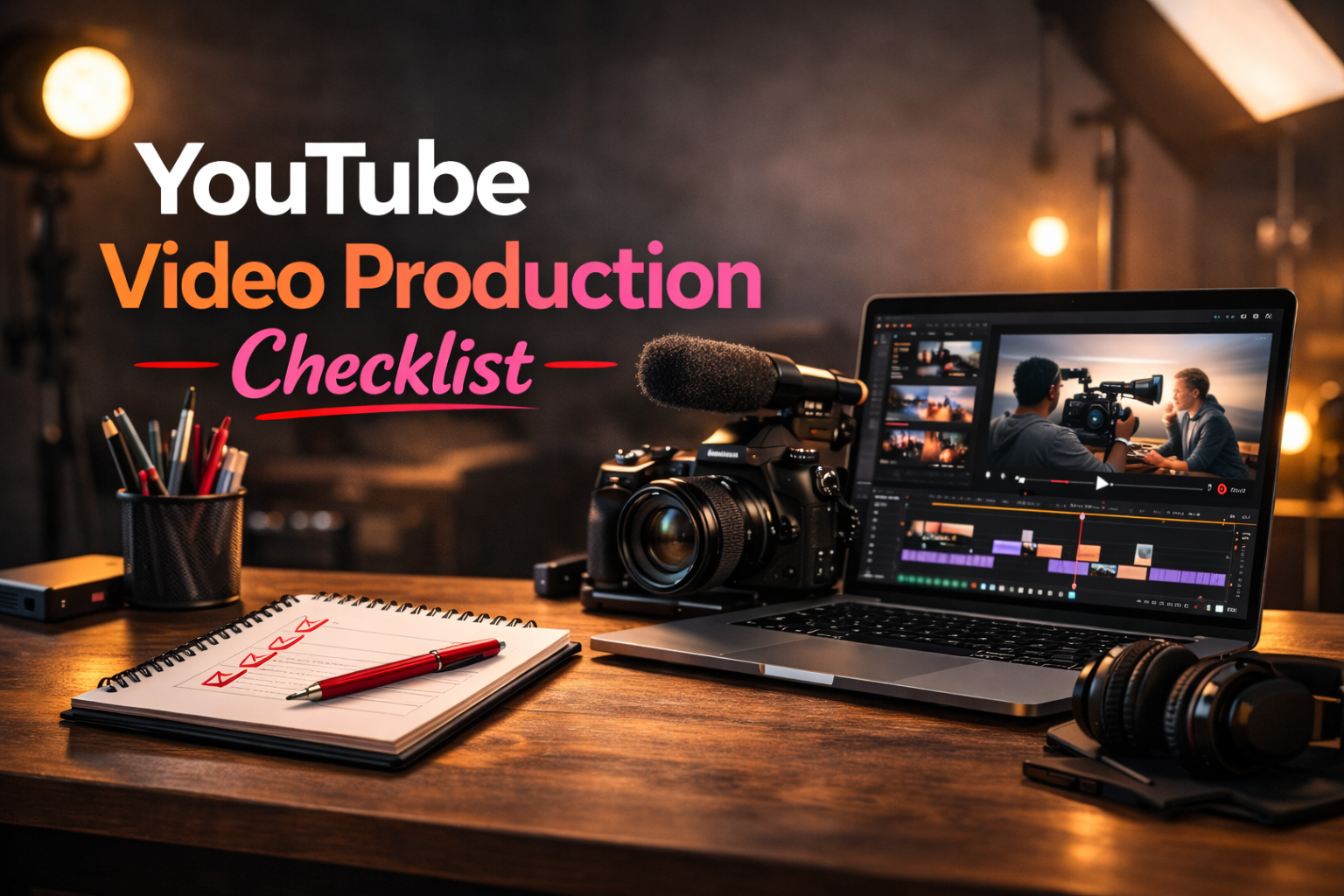
A YouTube video production checklist helps creators stay organized from the first idea to final publication. Instead of relying on memory, you can follow a clear system and avoid missing important production steps.
Creating a YouTube video involves more tasks than most creators expect. Planning, filming, editing and publishing all include details that can easily be forgotten when the workflow is not structured.
In this guide, you will find a simple checklist covering the full production process so you can prepare better videos, save time and publish more consistently.
Summary
- Why creators need a production checklist
- The preparation stage before filming
- What to check during recording
- Editing and post-production steps
- Publishing and optimization tasks
Why use a YouTube video production checklist
A checklist reduces mistakes during production. When creators follow a structured process, they avoid forgetting important details such as audio checks, thumbnails or publishing settings.
It also improves consistency. When every video follows the same preparation and production steps, the workflow becomes faster and easier to repeat.
- Reduces forgotten tasks
- Improves production organization
- Makes filming more efficient
- Helps creators publish consistently
Pre-production checklist
Before recording a YouTube video, several preparation steps should be completed. Pre-production ensures that the idea, structure and equipment are ready.
- Define the topic and goal of the video
- Research keywords and audience interest
- Write a script or outline
- Prepare the video structure
- Plan the visual elements and B-roll
- Prepare the recording environment
Spending a few minutes on preparation can save hours during editing.
Filming checklist
Once the planning is complete, the next stage is recording the video. A filming checklist ensures the production runs smoothly.
- Check camera settings and framing
- Test microphone and audio levels
- Verify lighting and background
- Record the main content
- Capture supporting B-roll footage
- Record additional takes if necessary
Post-production checklist
Post-production transforms raw footage into the final video. Editing is where the structure and pacing of the content come together.
- Import and organize footage
- Edit the main timeline
- Add B-roll and visual elements
- Improve audio quality
- Add graphics, captions or subtitles
- Export the final video
Publishing checklist
Publishing is the final stage of the YouTube production process. A good checklist ensures that the video is fully optimized before it goes live.
- Create a strong title
- Write the video description
- Add relevant tags
- Design the thumbnail
- Add chapters if needed
- Schedule or publish the video
For broader publishing guidance and platform best practices, creators can also explore Ressources pour les créateurs YouTube.
“A good checklist turns video production into a repeatable system instead of a chaotic process.”
Common production mistakes
Many creators struggle not because they lack ideas, but because the production process becomes disorganized.
- Starting production without preparation
- Forgetting audio checks
- Recording without clear structure
- Leaving thumbnails and titles for the last minute
- Using too many disconnected tools
How Peliku helps manage video production
Peliku helps creators organize the entire production process in one place. Instead of managing ideas, planning and production across multiple tools, Peliku provides a clear workflow for every project.
Creators can plan ideas, structure scripts, prepare shoots and track production progress more easily.
Conclusion
Using a YouTube video production checklist is one of the easiest ways to improve consistency, reduce mistakes and save time.
When every video follows the same production steps, creators can focus less on remembering tasks and more on creating better content.
Organize your flux de travail vidéo
Plan ideas, prepare shoots and track production with Peliku.