



Video production timeline guide
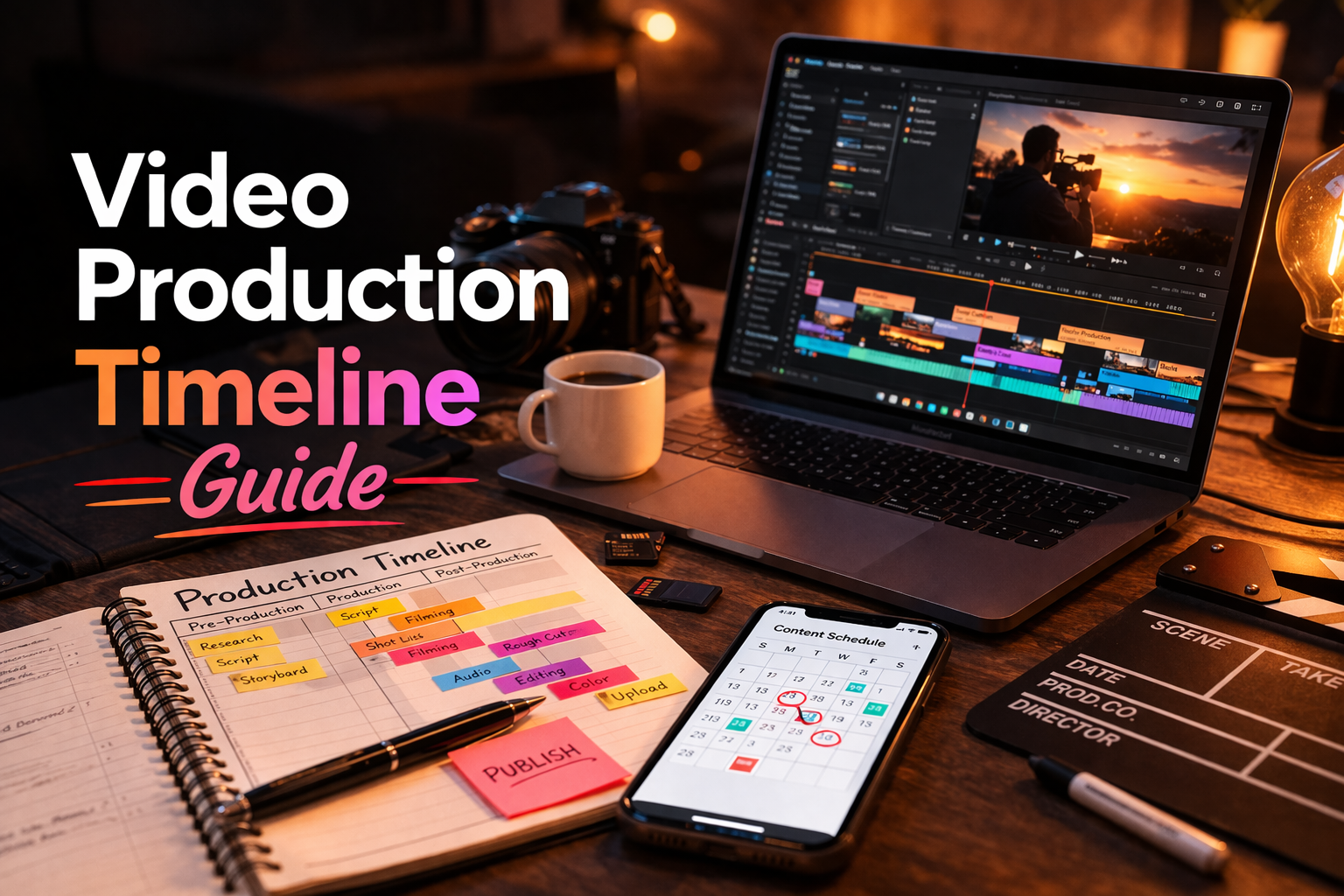
A video production timeline helps creators and teams understand when each stage of a project should happen. It gives structure to the workflow and reduces the feeling of rushing everything at the last minute.
Without a timeline, projects often become reactive. Planning, filming, editing and publishing all compete for attention at the same time.
In this guide, you will learn how to build a simple and practical video production timeline that supports better execution.
Summary
- Why production timelines matter
- What stages should be included
- How to estimate the timeline realistically
- How to avoid common scheduling mistakes
- How to keep projects moving on time
Why a production timeline matters
A timeline turns the production process into something visible. Instead of treating the project as one large block of work, you break it into stages with a clear order.
- It improves project visibility
- It creates realistic scheduling
- It reduces production bottlenecks
- It helps publishing happen on time
The 5 core stages of a timeline
- Idea and planning
- Script and pre-production
- Production
- Post-production
- Publishing
These stages can be expanded if the project is larger, but for most creator workflows this structure is enough.
Estimate each stage realistically
One common mistake is underestimating how much time post-production and publishing actually require. A good timeline should include the real effort needed for edits, graphics, revisions and upload preparation.
If you often underestimate production time, start by adding buffer time between stages.
Connect the timeline to deadlines
A production timeline is most useful when it is linked to a publishing target or business goal. Otherwise, it becomes a plan without urgency.
Timelines work best when each stage has both a status and an intended completion point.
“A timeline makes progress visible before the deadline becomes a problem.”
Common timeline mistakes
- Ignoring preparation time
- Underestimating editing
- Forgetting publishing tasks
- Not leaving room for revisions
- Trying to schedule too many projects at once
How Peliku supports production timelines
Peliku helps creators organize the workflow visually so timelines are easier to track. Instead of relying on scattered notes and memory, you can keep production stages visible in one place.
Conclusion
A video production timeline helps creators plan more realistically, reduce delays and keep projects moving forward with more control.
The goal is not to over-plan. The goal is to make the workflow easier to manage from start to publish.
Manage your production timeline
Plan stages, track progress and keep production clearer with Peliku.