

How to organize video projects: Without losing track of everything
One video is pretty easy to follow. The fun starts when five videos are all waiting for something different.
Organizing one video isn't usually the problem. We know what we're making, we remember what we've already done and we can normally keep the next step in our heads.
Then another video gets added. And another. Suddenly one needs a script, one is ready to film, another is halfway through editing and there's something we were supposed to publish yesterday.
That's when our memory stops being a very good project management tool.
We don't want to spend more time organizing videos than making them, so we've tried to keep our system simple. In this guide, we're sharing how to organize video projects the way we do it now, what information we actually keep and how we avoid turning every project into a giant admin job.
In this guide
- Why video projects get messy so quickly
- How we separate ideas from active projects
- How we keep each video's information together
- How we track several projects at different stages
- How we use dates and tasks without overplanning
- The organization mistakes we've made ourselves
Why video projects become hard to organize
A video isn't just a video file. Before it's published, there can be an idea, notes, a script, a filming date, a shot list, tasks, footage, editing work, a thumbnail and everything needed for publication.
When we're only working on one project, those pieces are easy enough to remember. Once several videos are moving at the same time, they start overlapping.
The problem isn't necessarily that we have too much work. Sometimes we simply can't see the work clearly enough.
We might spend time thinking about what to do next even though there are already three videos waiting for something obvious. Or we start a new idea because we've forgotten about the one that's almost ready to publish.
So for us, organizing video projects is mostly about making the current situation visible.
When we look at our projects, we want to see what's active, where each video is and what needs our attention next.
How we organize video projects in practice
We don't organize everything in one giant list. That gets confusing pretty quickly because an idea we might make someday doesn't need to sit next to a video we're publishing tomorrow.
Instead, we separate the different parts of the process and let projects move forward as they become more concrete.
1. We keep ideas separate from active projects
We have more ideas than we can realistically make, and that's probably a good thing. But we don't want every random idea cluttering the list of videos we're actually producing.
So ideas stay in their own space. We can write them down, add a few notes and come back to them later without pretending they're already active projects.
When we decide we're genuinely going to make one, that's when it becomes content and moves into Preparation.
This gives us a much cleaner distinction between something we might make and something we're actually making.
2. Every video gets one place we can come back to
One of the things that made our old organization frustrating was having pieces of the same video everywhere.
The idea might be in our notes, the script in another document, a filming reminder in the calendar and a few tasks somewhere else. We could technically find everything, but first we had to remember where we'd put it.
Now we prefer the video itself to be the main reference point. When we open a project, we want to find the useful information around it instead of rebuilding the project from several different places.
Depending on the video, that can include:
- The goal and audience
- The angle and main message
- The script
- Notes
- Tasks
- The shooting date
- The publication date
- Platform information
- Production discussions
We don't need all of that for every project. We just want one obvious place to look when we need it.
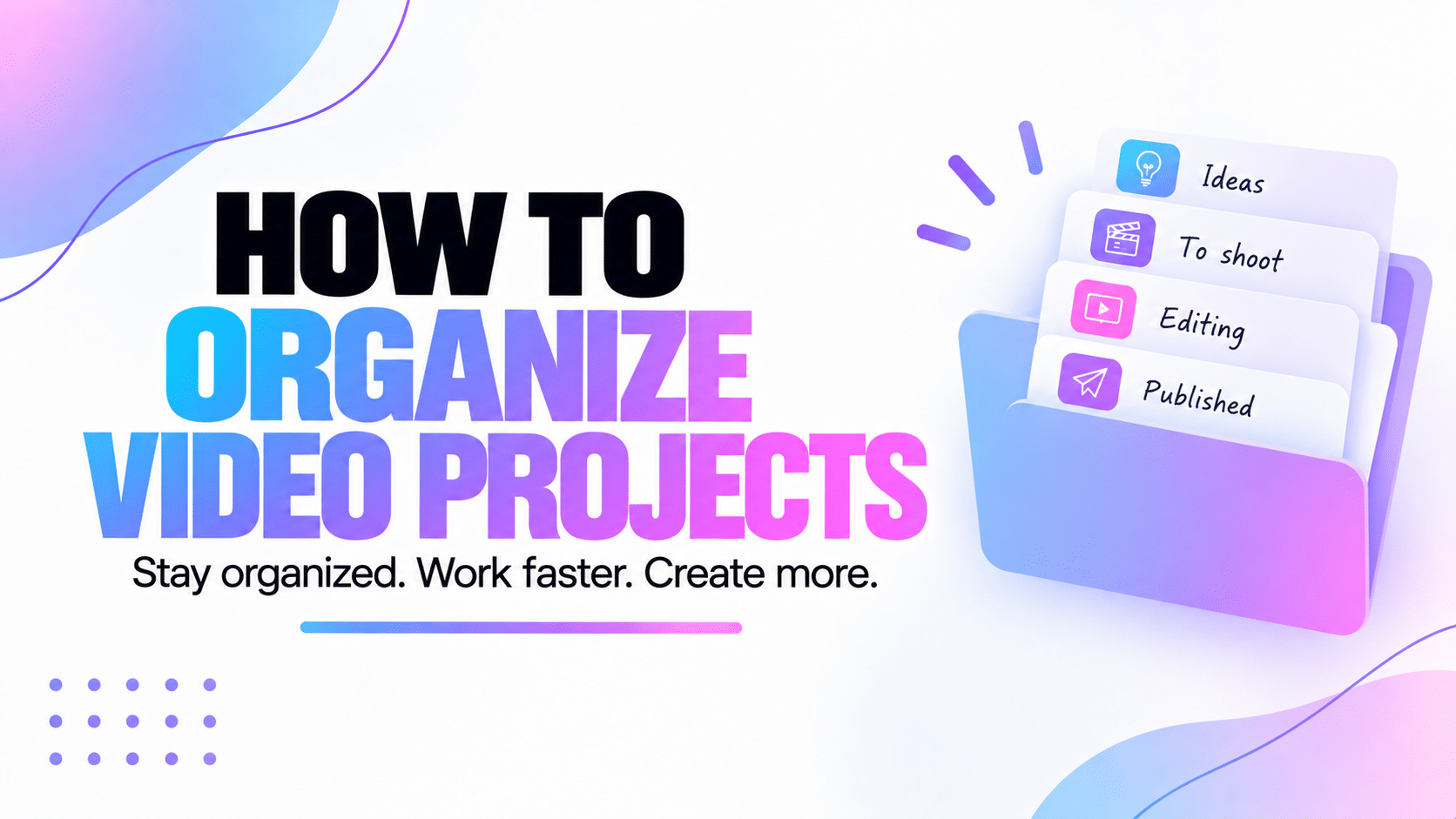
3. We use clear production stages
We used to have statuses that were too vague. Something like "In progress" sounds useful until half the projects are in progress and we still have no idea what's actually happening with them.
Now we use stages that tell us something:
If a project is in Script, we know roughly what needs to happen. If it's Ready to shoot, we know the preparation should be done. If it's Approved, we know we're past editing and can focus on publication.
That alone removes a lot of the "where are we with this one?" conversations.
We explain the whole process in our video production workflow guide.
We use different views for different questions
We realised pretty quickly that one giant project list can't answer every question well.
Sometimes we want to know where our videos are in production. Sometimes we care about what's happening this week. Sometimes we only want to know what we personally need to do today.
Those are different questions, so we don't force one view to answer all of them.
The content list gives us the overview
This is where we want to browse our actual content projects. We can see what we're making, the platforms involved, the status and important production dates without opening everything one by one.
Filters become useful here too. If the library grows, we don't always want to look at every video we've ever made just to find the few we're working on now.
The Pipeline shows us the production stages
When we want a visual answer to "where is everything?", we use the Pipeline.
Projects are grouped by their current stage, so it's easy to notice if editing is starting to pile up or if several videos are ready to shoot.
We like this view because we can understand a lot without opening anything.
The calendar shows us when things are happening
A production status doesn't tell us whether we're filming tomorrow or publishing next week. That's where the calendar comes in.
We can see shooting dates, publication dates, dated tasks and appointments together. That gives us a much better idea of the actual workload around the projects.
If dates are the part of your workflow that gets messy, our video production timeline guide goes deeper into how we plan them.
The Dashboard helps us look at today
We don't always want to see every project and every deadline. Sometimes we just need to know what matters right now.
That's what we use the Dashboard for. It brings the current work closer together so we can see things like upcoming production, tasks and appointments without starting the day by searching through the whole workspace.
We separate project status from individual tasks
This made our organization much cleaner.
A status tells us the big stage of the project. Tasks tell us the smaller things that need to happen inside that stage.
For example, a video can stay in Editing while we still have tasks for subtitles, audio corrections and the thumbnail.
We don't need statuses like "Editing audio", "Adding subtitles", "Thumbnail pending" and fifteen other variations. The workflow stays easy to read and the tasks keep the details.
Some tasks belong to a video
Things like preparing props, checking a script, creating subtitles or making a thumbnail clearly belong to a specific content project.
Keeping them attached to that project gives us the context immediately.
Some tasks don't belong to any video
We also have work that isn't attached to one piece of content. Maybe we need to prepare something for the community, organize equipment or handle another part of the business.
That's why Peliku also has global tasks. We don't need to invent a fake content project just to remember something that needs doing.
We don't put every task on the calendar
We tried versions of planning where almost everything had a date. The result was a very impressive calendar that we didn't particularly enjoy looking at.
Now we only date something when the date is useful.
A filming session obviously needs a date. A publication usually does too. A task that needs to happen before Friday might need one. A tiny action we can do whenever we have ten minutes probably doesn't.
This keeps the calendar focused on time instead of turning it into another giant task list.
We use a date when knowing when something needs to happen actually helps us. We don't add one just because the field exists.
How we organize files around video projects
Files are one of the parts of production that can get messy very quickly. Raw footage, images, exports, thumbnails and documents start multiplying as soon as a project grows.
Right now, external storage can still be part of our workflow, so the important thing for us is having a structure we understand and keeping the useful reference connected to the project.
We try to use simple folder names and avoid creating six versions called "final", "final2" and "final_REAL".
A basic project structure can be enough:
- Raw footage
- Audio
- Images and graphics
- Project files
- Exports
- Thumbnail assets
We also plan to add built-in file storage to Peliku so projects won't have to rely entirely on external services such as Google Drive or Dropbox.
What changes when we're working with a team?
When we're working alone, a lot of things are obvious. We know who's writing the script because there's only one possible answer.
Add another person and suddenly the project needs a little more context. Who is handling the edit? Is someone waiting for feedback? Has the script been checked? Can everyone change the project or should some people only be able to read it?
We still don't want to make the workflow complicated. We just need enough information that everyone can understand what they're responsible for.
We assign work when it helps
Tasks can be assigned to one or several members, so we don't need to remember who agreed to do something during a conversation three days ago.
We keep discussions with the content
If we're talking about a specific video, we prefer the discussion to stay close to that project. It makes much more sense when we come back to it later.
Permissions matter more once other people have access
Not everyone needs to be able to change everything. That's why collaborative workspaces can use roles and permissions, including read-only access when someone only needs to see the project.
The video project management mistakes we've made ourselves
Most of these came from trying to make organization either too simple or far too clever.
Keeping every idea in the active project list
This made the list feel busy even when we weren't actually producing that much. Separating ideas from real projects fixed a lot of that.
Using statuses that don't tell us anything
"In progress" sounds organized until almost everything is in progress. We prefer stages that tell us what kind of work is happening.
Creating too many statuses
The opposite problem is just as annoying. We don't need a new stage for every tiny task. That's what tasks are for.
Giving everything a deadline
If every little action is urgent, the calendar stops helping us understand what actually matters.
Building the perfect system instead of making videos
This is the one we try to watch most closely. It's very easy to spend hours improving the organization because it feels productive.
At some point, we still have to turn the camera on.
We want enough organization that we can stop thinking about organization and get back to the project.
How Peliku helps us organize video projects
Peliku came from this exact problem. We wanted somewhere that understood a video wasn't just a task with a due date.
The project has a life before filming, during production and after the edit. So we keep the content in the middle and organize the other information around it.
Each project moves through those stages while the useful information stays connected to it. We don't need to create a new system every time the video moves from writing to filming or from editing to publication.
We can use the Content page when we want an overview, the Pipeline when we want to see production stages, the calendar when dates matter and the Tasks page when we need to focus on what still needs to be done.
That's really what we wanted when we started building Peliku. Not more organization for the sake of it. Just different ways to look at the same projects depending on what we're trying to figure out.
We can see several projects without opening them all
When we're working on several videos, we don't want to click through every project just to remember what's happening.
Statuses, platforms and important dates give us enough information to understand the overall situation. Then we can open a project when we actually need the details.
Tasks stay connected to the work
A task can belong to a specific content project, which gives it context immediately. We know why we're doing it and which video it helps move forward.
And when a task isn't related to a particular video, we can create it as a global task instead.
We can still see our own work across different spaces
This becomes useful when we're working across a personal space and several team spaces. We don't necessarily want to open every workspace just to find out what has been assigned to us.
Peliku's Tasks view can bring together the tasks assigned to us across our spaces while still showing where each task comes from.
There are still parts we want to make easier
Organizing a project doesn't stop inside Peliku. We still have files, social platforms and other tools around the production.
That's why some of the next things we're working toward are about bringing more of that process together.
We want to connect social media accounts so content can eventually be published directly to supported platforms such as YouTube, Instagram and TikTok. We also want publication statistics to come back into Peliku so we can see what happened after a video went live.
Built-in file storage is planned too. That will give us the option to keep project files directly with the rest of the production instead of relying only on external storage.
And once the final version is stable, a dedicated mobile application is part of the plan.
We want to follow a project from the first idea to publication without constantly wondering which tool contains the next piece we need.
FAQ about organizing video projects
How do you organize video projects?
We keep ideas separate from active projects, give each video a clear production stage and keep useful information such as scripts, tasks, notes and important dates connected to the project. That makes it easier to see where each video is and what needs to happen next.
How do you organize multiple video projects at once?
We use different views for different needs. A content list gives us an overview, a Pipeline shows production stages, the calendar shows important dates and tasks tell us what still needs to be done.
What information should I keep with a video project?
It depends on the video, but useful information can include the goal, audience, angle, script, notes, tasks, shooting date, publication date and platform information. We only keep the things that actually help with the project.
Should every video project have a deadline?
Not necessarily. We add dates when they help us plan something. Shooting and publication usually benefit from clear dates, while smaller tasks may not need one unless they have to happen by a specific time.
How should I organize video project files?
We prefer a simple folder structure that makes files easy to find, with clear areas for raw footage, audio, graphics, project files, exports and thumbnail assets. The exact structure matters less than being able to understand it quickly when you return to the project.
What's the difference between a project status and a task?
A status shows the main stage of the video, such as Script, Shooting or Editing. Tasks are the smaller actions needed inside those stages, such as fixing audio, preparing props or creating subtitles.
For us, good organization should almost disappear
We don't want to spend the whole day thinking about how well organized our projects are. If the system is doing its job, we should be able to open it, understand what's happening and get back to creating.
That's why we try to keep the big things simple. Ideas have their own place. Active videos have clear production stages. Dates tell us when something needs to happen and tasks handle the smaller actions.
We don't need every video to have the same amount of information. A quick Reel can stay simple. A larger project can grow as we add scripts, tasks, dates and other production details.
The important part is that we don't have to rebuild the project in our heads every time we come back to it.
If we can open a video after a few days and immediately understand where we left off, that's organized enough for us.
Know where every video is without keeping it all in your head.
Peliku helps us keep projects, production stages, tasks and important dates connected so we can spend less time looking for things and more time making them.