



Video shoot planning: How we prepare before hitting record
A little preparation before filming saves us a lot of time once the camera is on. Here's what we actually check before a shoot.
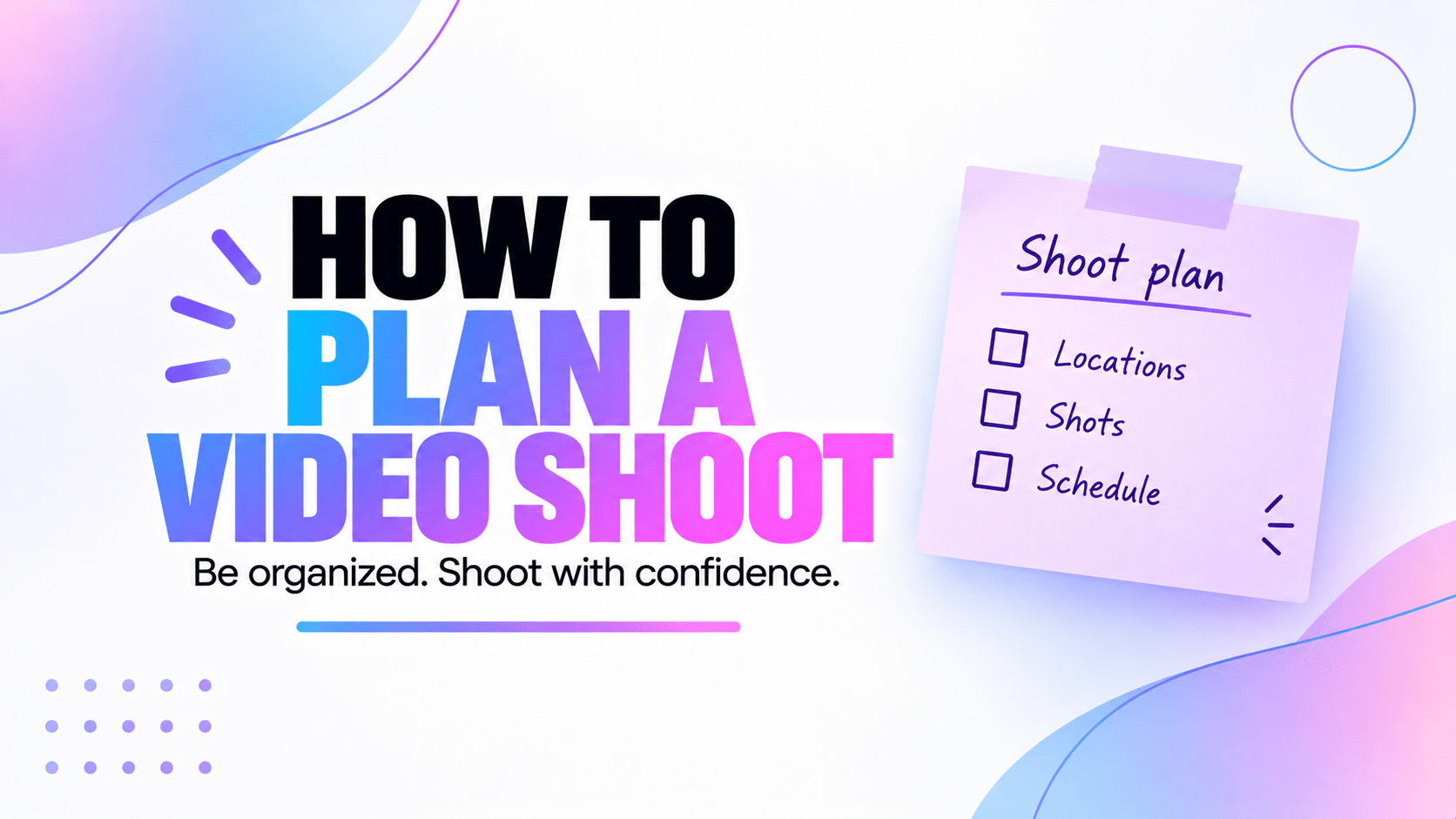
We've definitely started filming before we were really ready. The camera was set up, we knew roughly what we wanted to say and we thought we'd figure out the rest as we went.
Sometimes that works. Other times we get halfway through the shoot and realise we forgot a shot, need something we didn't prepare or aren't even sure how one part of the video is supposed to work.
And the worst part is that we often don't notice everything we've missed until we're editing. By then the camera is packed away and filming one extra shot is suddenly much more annoying than it needed to be.
That's why video shoot planning has become a real part of our workflow. We don't want to plan every second of a shoot. We just want to arrive knowing what we're making and what we need to come home with.
In this guide
- What we decide before planning a shoot
- How we build a useful shot list
- What we check before filming
- How we decide what to film first
- Why we think about editing during the shoot
- The filming mistakes we've made ourselves
Why video shoot planning matters to us
We don't think every video needs a huge pre-production process. If we're making a quick piece of content at home, we might only need a script, the camera and a few minutes to get everything ready.
But even simple shoots have more moving parts than they first appear to. There's the camera, audio, lighting, framing, what we're saying, what we're showing and any extra footage we'll need later.
Planning helps us deal with those things before we're trying to perform in front of the camera at the same time.
It also makes filming calmer. Instead of finishing one take and wondering what we're supposed to do next, we already have a rough idea of what we need to capture.
We don't want to reach the edit and discover that the one shot we really need is the one shot we forgot to film.
Our video shoot planning starts with the goal
Before thinking about cameras or shot lists, we need to know what we're actually making. A tutorial, a vlog, a product demo and a short social video don't need the same footage.
We try to get clear on the purpose first. Are we explaining something? Showing how something works? Telling a story? Trying to make a quick piece of content for Instagram or TikTok?
Once we know that, a lot of the other decisions become easier. We can work out what people need to see, what we need to say and which shots are actually useful.
This is also why Preparation comes before Script and Ready to shoot in our votre flux de production vidéo. We want to understand the content before we start worrying about the details of filming it.
We make a shot list when the video needs one
A shot list sounds more complicated than it needs to be. For us, it's simply a list of the things we know we need to film.
If we're making a talking-head video, the list might be very short. If we're showing a process, product or location, there may be a lot more to capture.
The useful part is that we don't have to remember all of it while filming.
Our shot list might include things like
- The main talking-head sections
- Close-ups of a product or object
- Hands doing something
- Wide shots of the location
- B-roll of the workspace
- Screen recordings for a tutorial
- An intro or outro
- Photos we might need for a thumbnail
We don't add shots just to make the list look complete. If a shot doesn't help us explain something, tell the story or make the edit work, we probably don't need it.
We think about what the viewer needs to see
This is one of the easiest ways we've found to build the list. We go through the video and ask what would actually help someone understand what we're talking about.
If we're explaining a feature in Peliku, maybe we need a screen recording. If we're talking about a piece of equipment, showing it is probably more useful than describing it for thirty seconds.
That gives the B-roll a reason to exist instead of adding random footage because we feel like every video is supposed to have B-roll.
We check the location before the camera starts rolling
A location can look perfectly fine until we actually put a camera there. Then we notice the window reflecting in the background, the room is darker than we thought or there's a noise we somehow hadn't heard until we put headphones on.
So we try to look at the space before we're ready to record. We don't need a professional studio. We just want to catch the obvious problems while they're still easy to fix.
- Is there enough light?
- Is anything distracting in the background?
- Can we hear traffic, appliances or other noise?
- Do we have enough room for the camera and lights?
- Do we need power nearby?
- Can we move around if the video needs it?
Sometimes the answer is simply moving the camera half a metre. We'd rather notice that before recording twenty minutes of footage.
We check the equipment before the shoot, not during it
This is another lesson that came from experience. There's nothing particularly creative about discovering that a battery is almost empty or a memory card is full once everything else is ready.
So before a shoot, we do a quick check. It doesn't need to become a complicated ritual.
- Camera batteries charged
- Microphone charged or powered
- Memory cards ready
- Enough storage available
- Lights working
- Audio tested
- Focus and exposure checked
- Cables and mounts available
If the shoot matters enough that we can't easily redo it, we'll also think about backups. An extra battery or memory card takes almost no space and can save the entire session.
Five minutes checking batteries, storage and audio is much less annoying than discovering a technical problem after the shoot.
We decide the order before we start filming
We don't always film a video in the same order people will watch it. We usually choose the order that makes the shoot easier.
If several sections use the same camera and lighting setup, it makes sense to film them together. If we need to move the camera or completely change the location, we'd rather avoid doing that five times.
For a fairly simple shoot, our order might look like this:
We also like filming the important talking sections while we still have energy. There's no rule saying we have to record the intro first just because it's the first thing people will see.
We try to film with editing in mind
This has probably saved us more time than any complicated filming technique. While we're shooting, we try to imagine what we're going to need when we put the video together.
If there's an awkward cut in a talking section, do we have something to show over it? If we're demonstrating something, did we actually capture the important part clearly? If one take is essential, would another version give us more options?
We also try to leave a little space before and after useful takes instead of starting and stopping the recording at the exact second someone speaks. That tiny bit of extra footage makes editing much easier.
We don't need more footage for the sake of having more footage. We need the footage that future us will actually want in the edit.
We review the important footage before packing everything away
We used to be much too confident about this. We'd finish filming, pack everything away and assume the footage was fine because nothing obviously went wrong.
Now we try to check the important clips before ending the shoot, especially if recreating the setup would be difficult.
We don't sit there and watch the entire shoot from beginning to end. We just make sure the things that matter are actually usable.
- Is the audio clean?
- Is the subject in focus?
- Does the exposure look right?
- Did we capture the important shots?
- Is there anything we should redo while we're still here?
Finding a problem while the camera is still set up is annoying. Finding it the next day is much worse.
The video shoot planning mistakes we've made ourselves
None of these mistakes are particularly dramatic. They're just the little things that make a shoot take longer or make editing harder afterwards.
Starting before the video is clear
If we're still deciding what the video is about while filming it, we're making the shoot do the job of preparation. Sometimes that spontaneity is useful, but for planned content it usually slows us down.
Trusting ourselves to remember every shot
We won't. Especially once we're thinking about the camera, audio, what we're saying and whether the previous take was any good.
If a shot matters, we'd rather put it on the list.
Checking the audio too late
A beautiful image doesn't help much if the audio is unusable. We try to listen to a proper test before filming the whole video instead of assuming the microphone is doing its job.
Trying to fix everything in editing
Editing can fix a lot. We'd still rather get the footage right when we have the camera in front of us.
If the framing is wrong, the audio is bad or an important shot is missing, "we'll fix it in post" can become a very expensive sentence in terms of time.
Planning too much for one filming session
A list of six videos can look perfectly reasonable when we're sitting at a desk planning the day. It can feel very different after we've been talking to a camera for several hours.
We try to be realistic about energy as well as time. If the quality of the last videos is going to suffer because we're exhausted, filming more isn't really saving us anything.
How Peliku fits into our video shoot planning
For us, the useful part is keeping the shoot connected to the content instead of creating another separate planning system.
The project already has its goal, audience, angle, script and production status. From there, we can keep the information we need for filming with the same content.
That makes it easier to move from Préparation to Script, then to Prêt à tourner when we genuinely have what we need.
We can also add tasks for things we still need to prepare and give the content a shooting date so it appears in the rest of our planning.
We don't want Peliku to tell us how to direct a video. We want it to help us arrive at the shoot without wondering what we've forgotten.
The shooting date stays connected to the project
Once we know when we're filming, the date stays with the content and can appear in the calendar and the rest of our production planning.
This is especially useful when we're working on several videos because we can see upcoming shoots alongside everything else that's already happening.
Our video production timeline guide explains how we plan those dates around the rest of production.
Tasks help us remember the little things
We don't need a new workflow stage because we still have to charge a battery or prepare a product. Those things can simply be tasks attached to the work we're doing.
That keeps the production stages clear while still giving us somewhere to put the details we don't want to forget.
When a video says Ready to shoot, we want to trust that we've actually done the preparation needed to pick up the camera and start.
FAQ about video shoot planning
What is video shoot planning?
Video shoot planning is the preparation you do before filming. It can include deciding the goal of the video, preparing the script, creating a shot list, checking the location and making sure the equipment is ready.
Do I need a shot list for every video?
No. For a simple talking-head video, you might already know exactly what you need. We use a shot list when there are enough things to remember that we're likely to forget something once filming starts.
What should I check before a video shoot?
We check the things that could cause problems once filming starts: batteries, storage, audio, focus, exposure, lighting, the location and any equipment or props we need. We also make sure the important shots are planned.
How do I make a video shoot easier?
Try to make the important decisions before you start filming. Know what the video is about, prepare the shots you need and check your equipment. The less you have to figure out while the camera is running, the easier the shoot usually feels.
Should I film a video in the same order people will watch it?
Not necessarily. We usually choose the order that makes filming easier. If several shots use the same camera, lighting or location, it often makes sense to record them together even if they appear in different parts of the finished video.
Why should I think about editing while filming?
Because some editing problems are much easier to prevent during the shoot. Capturing useful B-roll, close-ups, alternative takes and enough footage around each shot gives you more options once you start editing.
For us, a good shoot starts before we hit record
We still have shoots where things don't go exactly as planned. We change our minds, forget things and sometimes realise that an idea works differently once we're actually in front of the camera.
Planning isn't supposed to remove that. We don't want every shoot to feel rigid or like we're following instructions we aren't allowed to change.
We just want to deal with the predictable stuff before filming starts. If the batteries are charged, the audio works, we know what we're trying to say and we have a list of the shots we really need, we have much more room to focus on the creative part.
And when we get to editing, we'd much rather find a few extra useful shots than realise the one thing we needed is the one thing we forgot.
That's really what video shoot planning does for us. It doesn't make the shoot perfect. It just gives us a much better chance of coming home with everything we need.
Know what you need before the camera starts rolling.
Peliku helps us keep preparation, scripts, shooting dates and tasks connected to the content we're getting ready to film.